Search words in your web address do little on Google
What Google asks for is your real name, used the same way everywhere. If you ever change your web address, keep the old one forwarding for at least a year.
Search Google for your business by name and look at the name printed above your own website in the results. Google calls that line the site name. It builds it automatically from your home page and from mentions of your site around the web. If it isn’t the name over your door, start with the home page. Getting that name right is the job. Stuffing search words into your web address, Google says, does very little.
Keywords in a web address
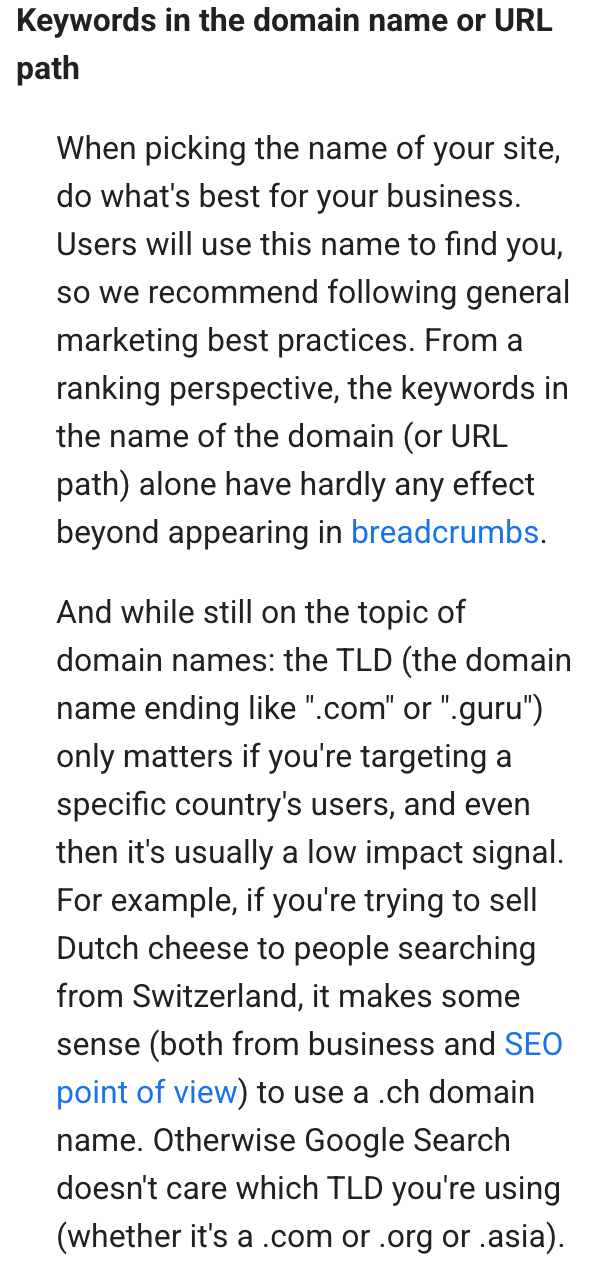
Search words in the address. Your web address, or domain, is what people type to reach your site. Google’s beginner’s guide says keywords in a domain name “alone have hardly any effect beyond appearing in breadcrumbs,” the trail of address words Google sometimes shows on a result. Its ranking guide calls them one of many factors. Then it says a check built into its rankings, the exact match domain system, keeps it from giving too much credit to names designed to match particular searches. Google’s example is a domain spelled best-places-to-eat-lunch. The Google pages we read set no special rule for a town name, so East Hampton in the address is, as we read it, one more search word.
The ending after the dot matters even less. Google says .com, .org or any other ending counts only if you are aiming at customers in another country, and even then it is “usually a low impact signal.”
Using one business name
One real name. Google’s site-name guide wants a unique name that accurately reflects the site and isn’t misleading. It warns that a generic one, like its example “Best Dentists In Iowa,” is unlikely to be chosen. Your Google listing, the box with your hours and phone that comes up when someone looks you up, follows the same rule: use the name on your storefront and your website. Google’s advice on picking a name is to do what’s best for the business, because people will use it to find you.
Our own view, beyond Google’s pages: if customers already know your name and address, keep them. Nothing in the Google pages we read gives a search reason to switch, and a move has a cost.
Changing your web address
If you move anyway. Google’s site-move guide warns that rankings may fluctuate while it catches up, and that a small or medium site can take a few weeks for most pages to move. Its steps:
- Move the address first and leave the layout alone until that settles. Google says to make big changes one at a time.
- Forward every old page to its new page with a redirect, which sends anyone using the old address to the new one. Google’s site-move guide says to keep redirects “generally at least 1 year.”
- Once the redirects work, file the move with the Change of Address tool, a form that tells Google the site has a new home. It sits in Search Console (No. 19, on Google’s free report for site owners).
- Keep paying for the old name for at least a year. Google’s Search Console help recommends it so that no one else can buy the abandoned address and misuse it. Who should hold and renew a domain is No. 22.
You pick the name and check that it reads the same on the door in Middle Haddam or Cobalt, on the home page and on your Google listing. Your web person handles the forwarding and the Search Console filing. Tell them: If we ever change our web address, forward every old page to its new one, leave those forwards in place at least a year, and file the change in Search Console.
The Standard: Choose a web address customers will remember and use one real name everywhere. If you ever move, keep the old address forwarding for at least a year, as Google’s “Site Moves and Migrations” guide advises.
Source: Google Search Central guides on SEO basics, ranking systems, site names and site moves; Search Console and Business Profile Help. Read Sept. 25, 2026.